
AI Assistant – Talk to Your Data
From the Dashboard to the Dialog
The brand-new AI Assistant brings artificial intelligence directly into the Insights Hub—and thus right where your analysis takes place. It understands the current context of your analysis, takes into account selected KPIs, time periods, and filters, and makes your data accessible directly via voice commands. You ask a question, delve deeper into the results with follow-up questions, and work your way step by step toward the relevant connections.
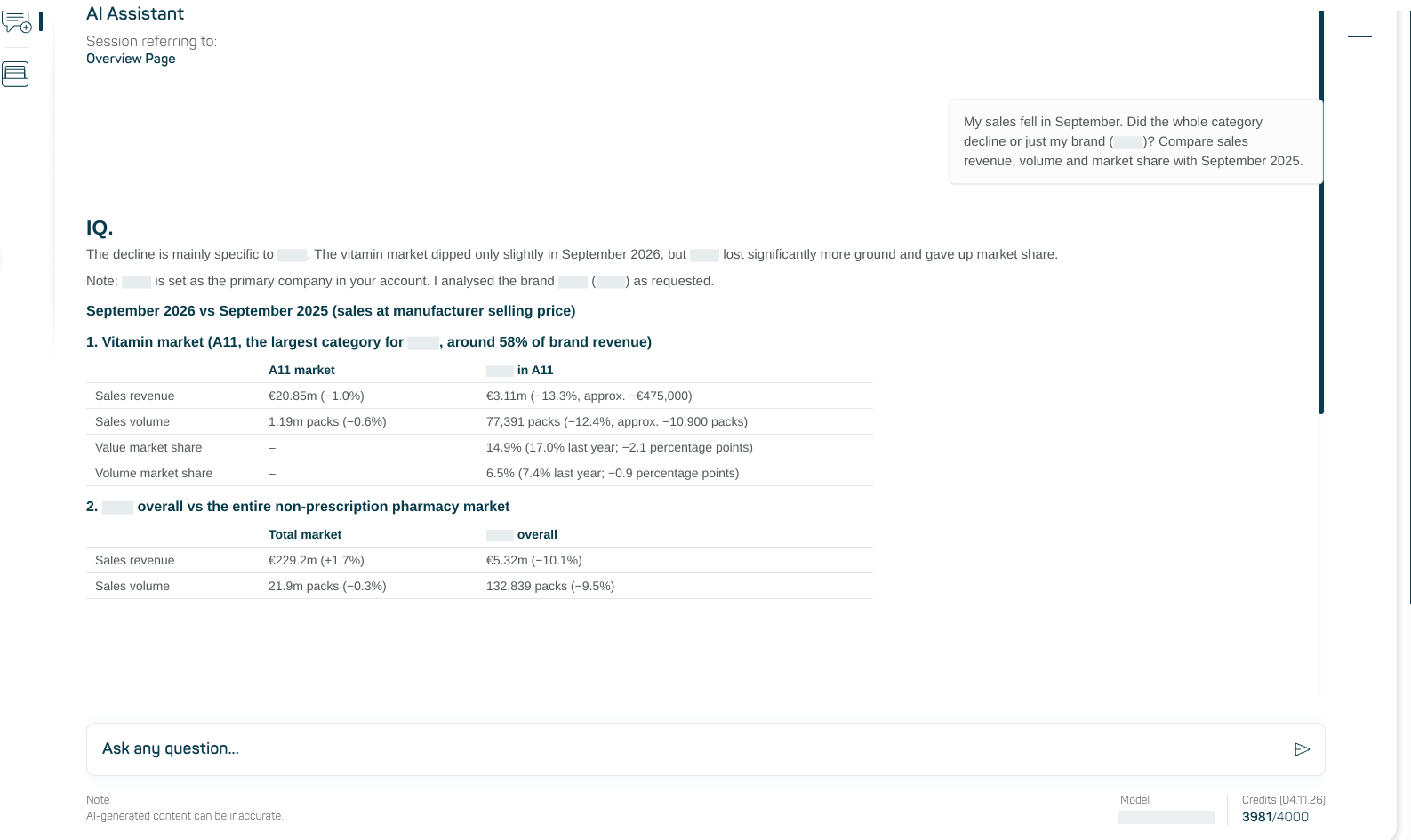
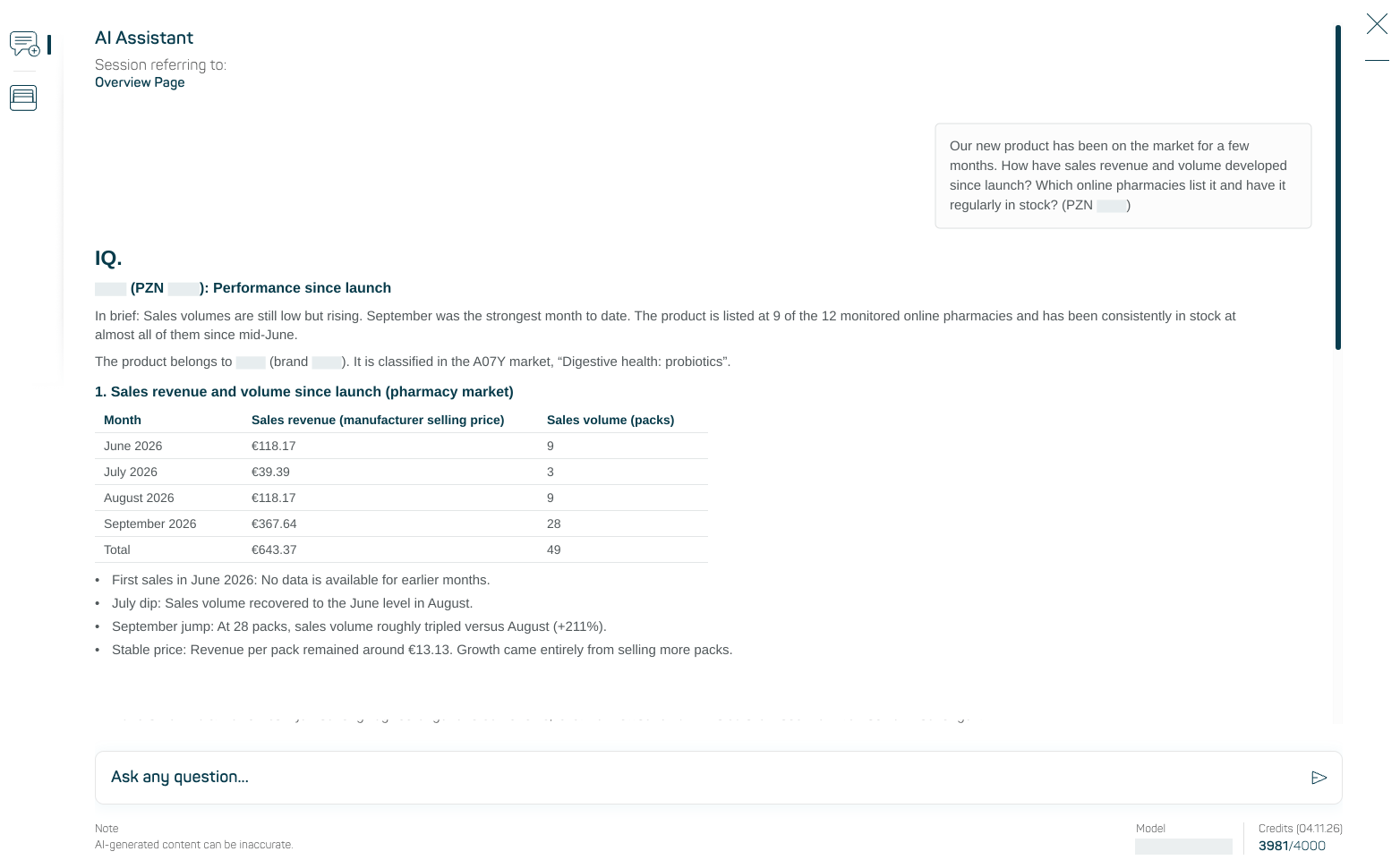
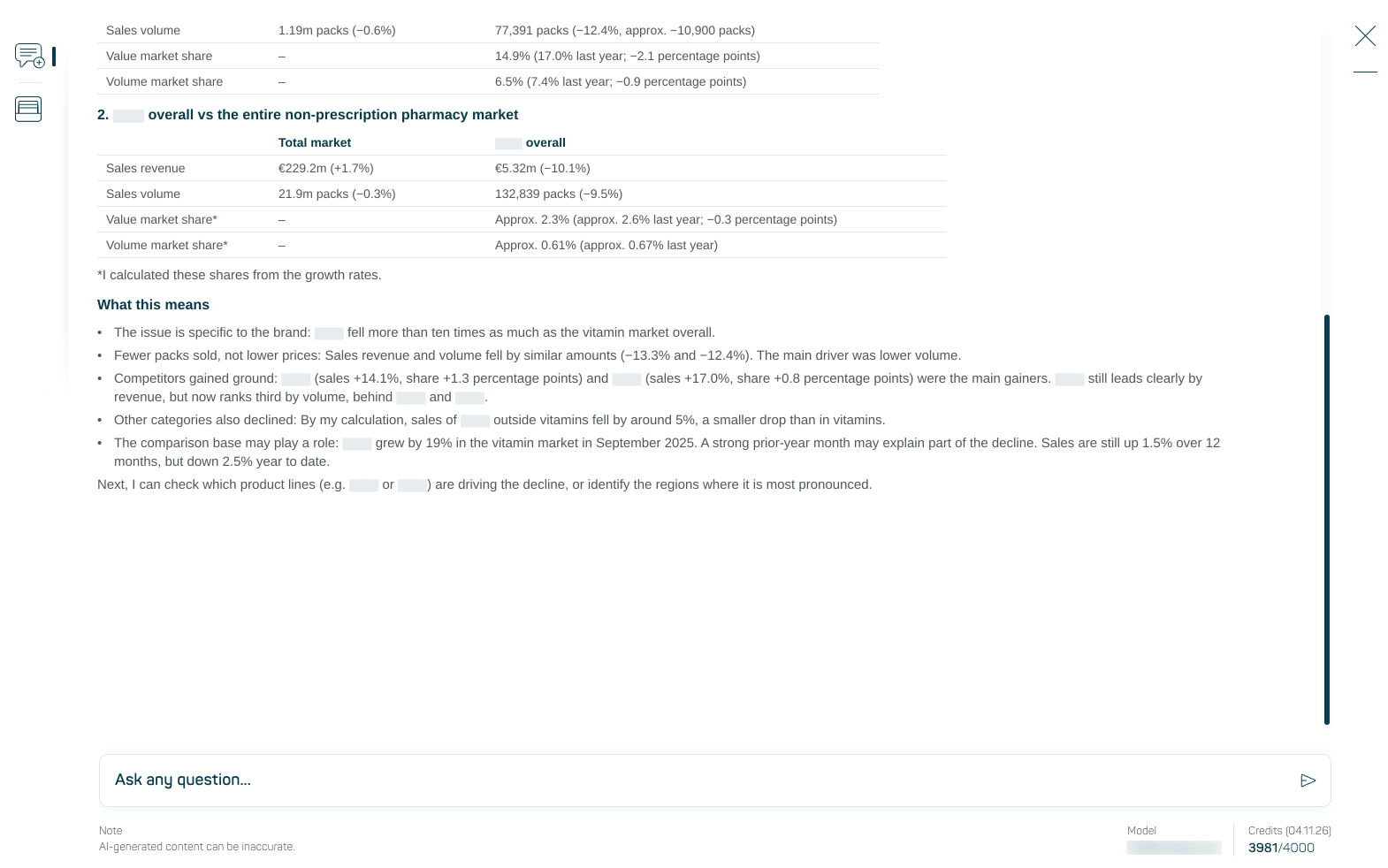
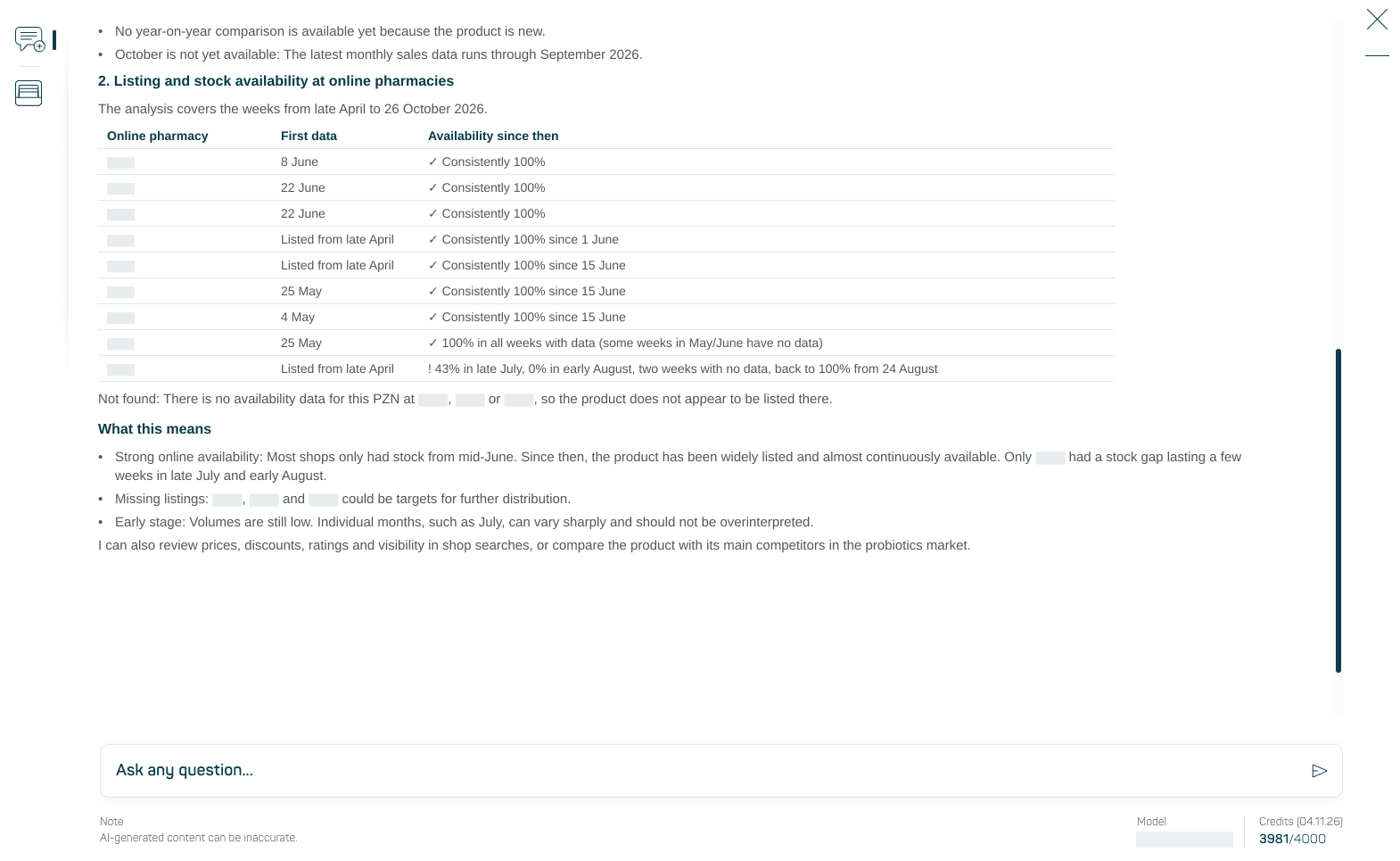
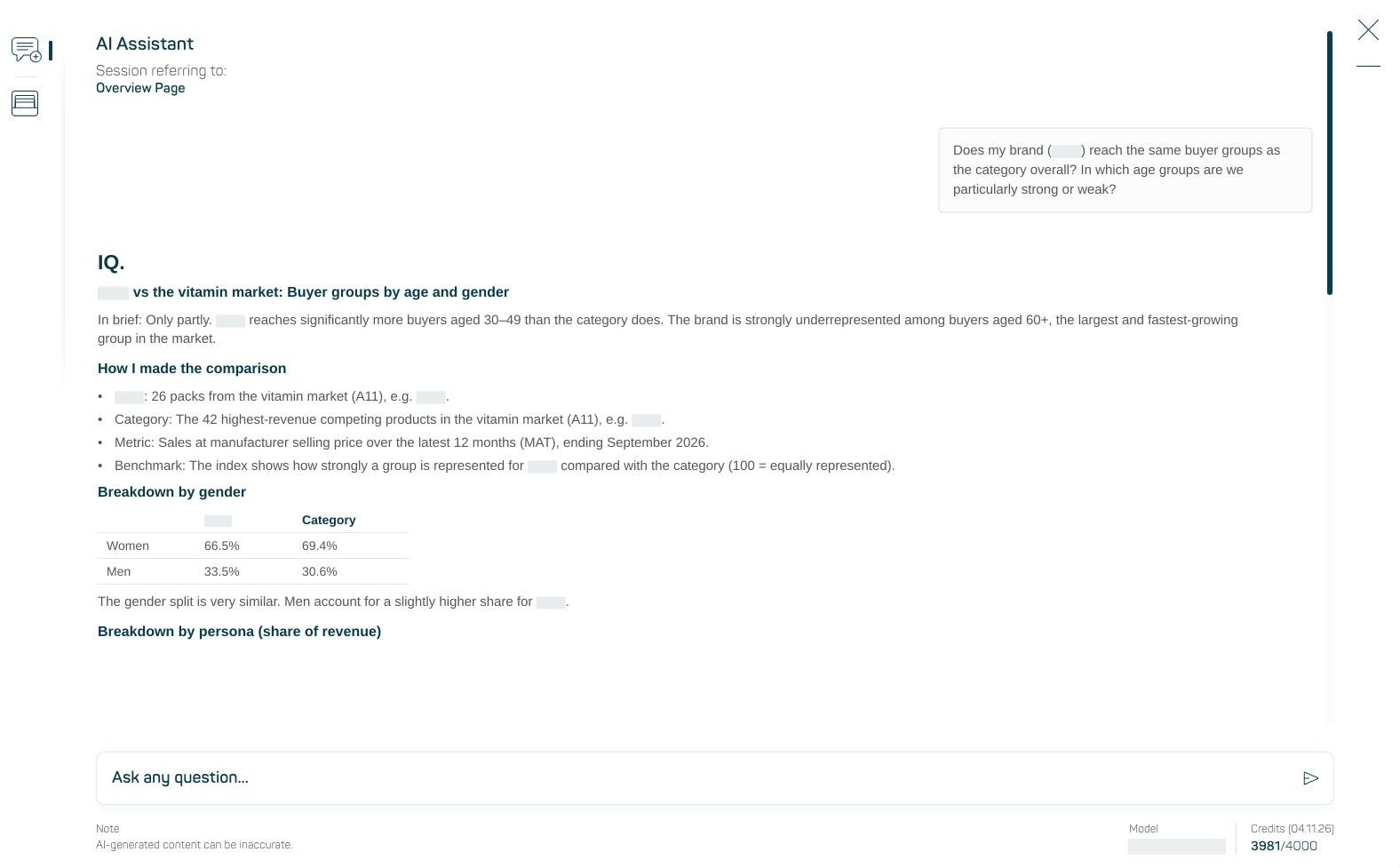
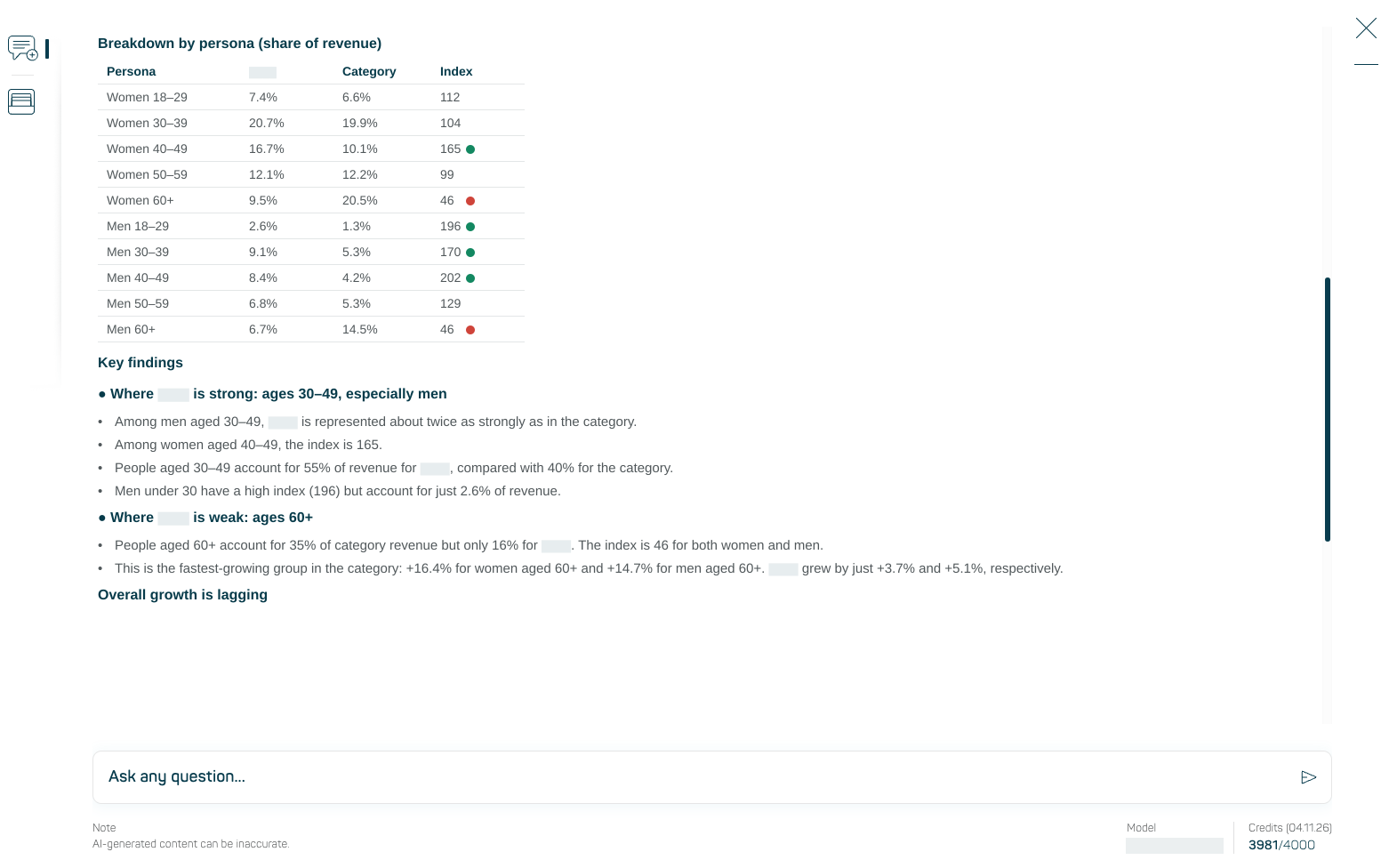
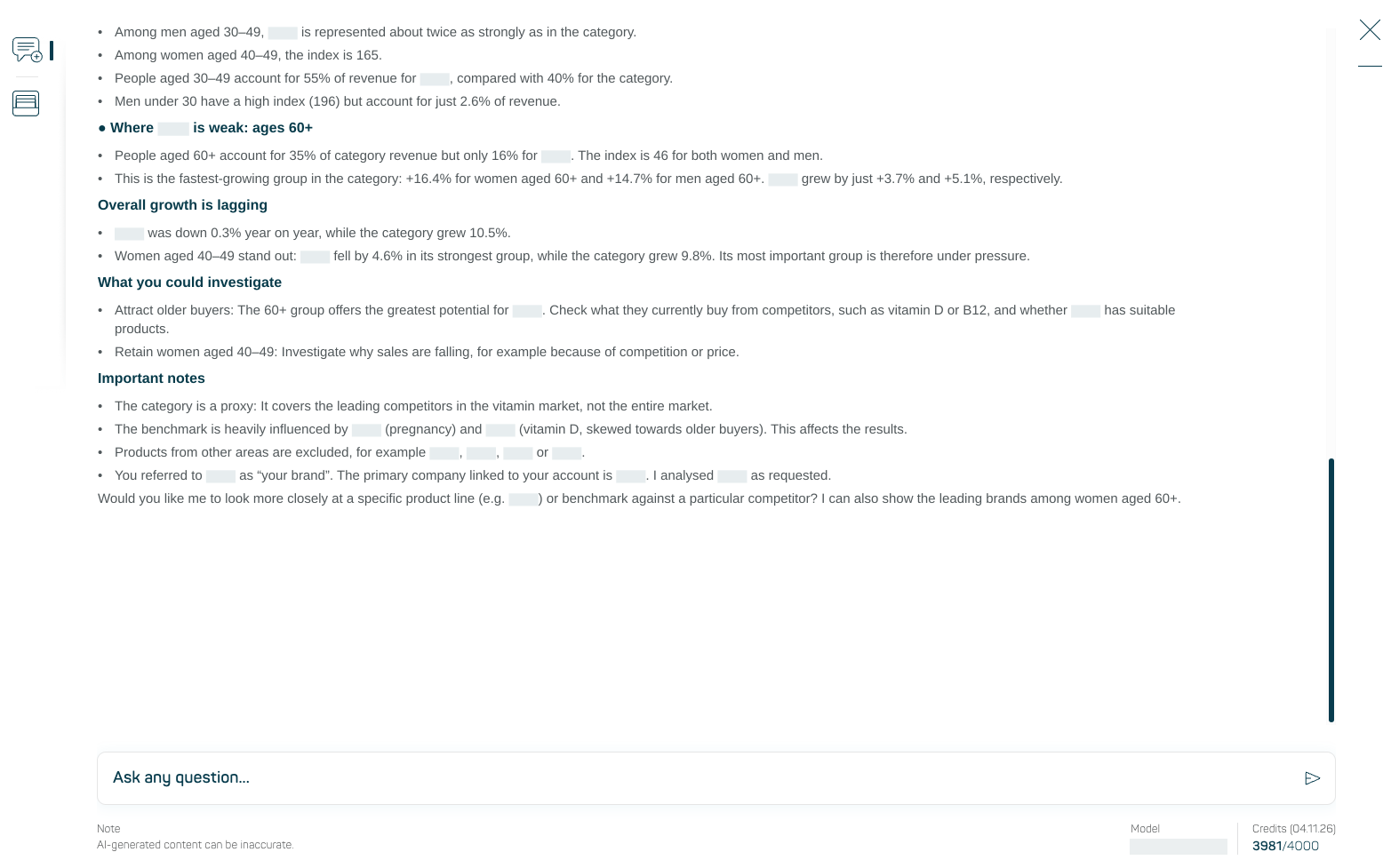
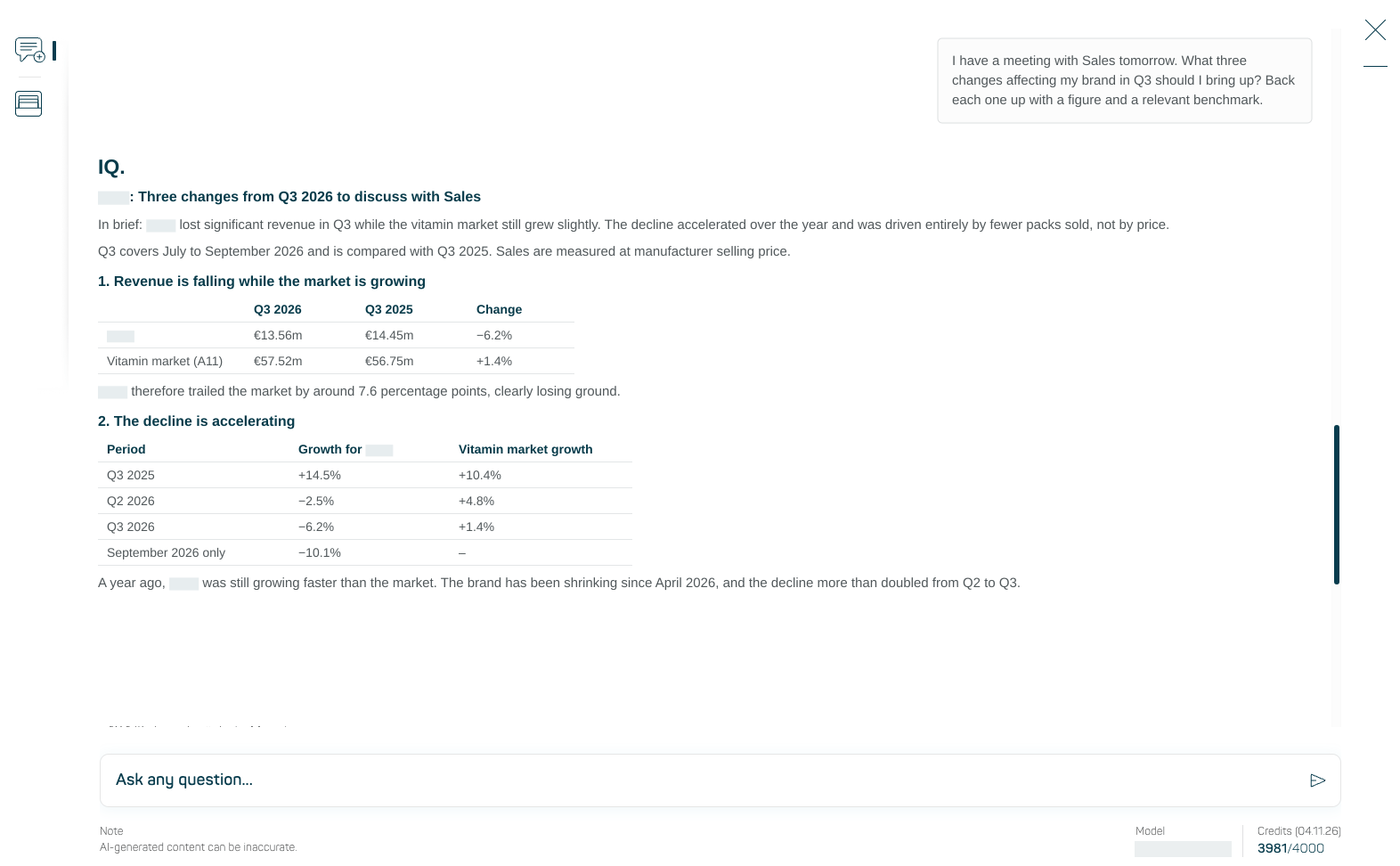
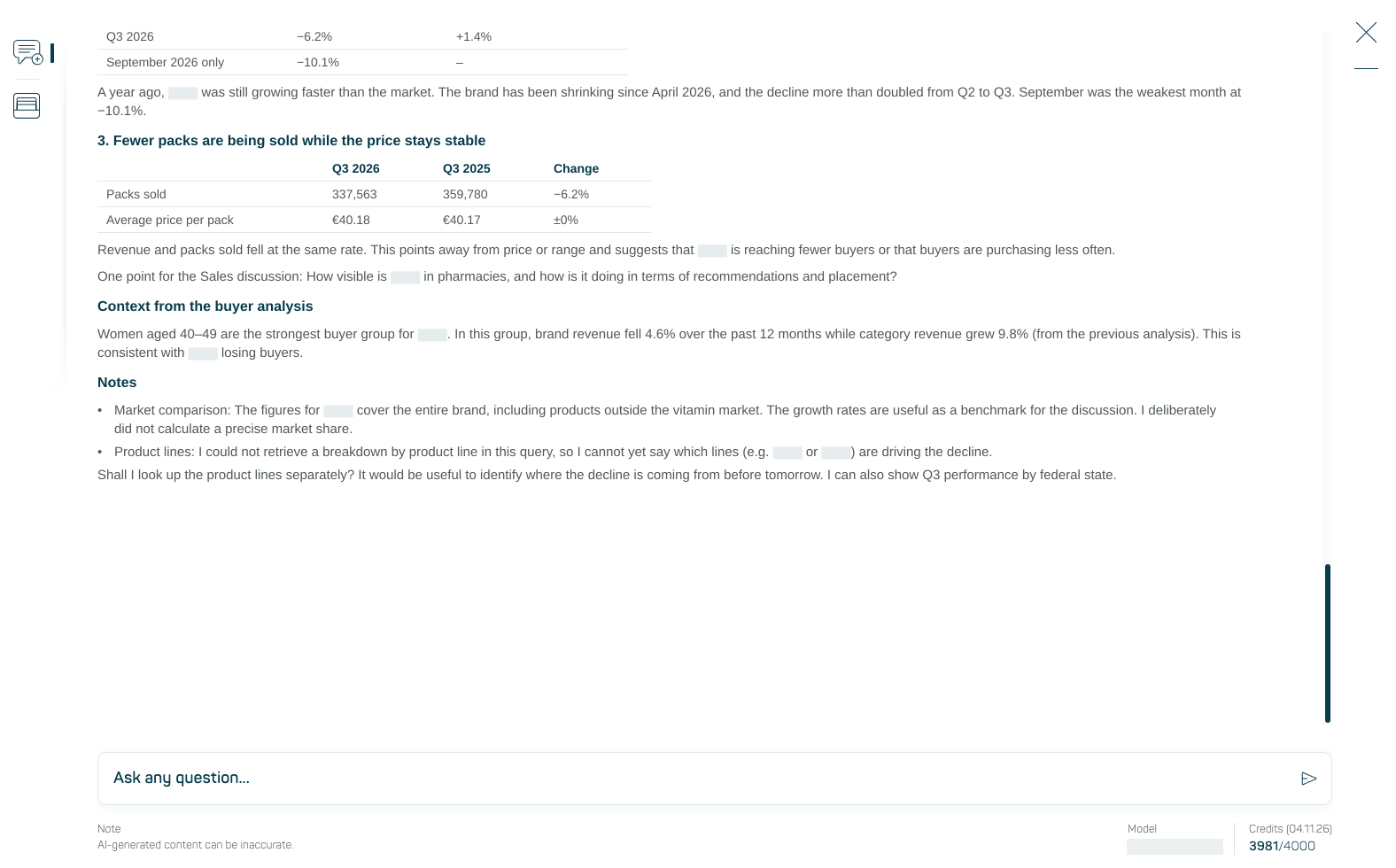

Ask Questions Instead of Searching
Do you see something unusual in your data? Just ask. The AI Assistant accesses the context of your current analysis directly. That means you don’t have to explain which market, time period, or filters you’re looking at every time. Instead, you can dive right in—for example, with questions like:
“Which brands are currently gaining market share?”
“What stands out most about this trend?”
“Which products are driving growth?”
“Are there regions that are developing in significantly different ways?”
Right in your DatamedIQ modules
The AI Assistant is integrated into the Insights Hub’s Premium modules and complements the existing analytics features right where you’re already working. This creates an additional layer of analysis—based directly on your available DatamedIQ data:
OTC Insights
Analyze markets, brands, products, and competitors.
POS Insights
Analyze performance at the digital point of sale.
OTC Maps
Identify and compare regional trends.
Persona Insights
Analyze shopper profiles and relevant target audiences.
Users especially appreciate…
...that the context is already there.
One of the biggest advantages of the AI Assistant is that it doesn’t operate in isolation from your analysis.
If you have already selected a specific market, KPI, time period, or filter, this context can be taken into account immediately.
So you don’t have to write:
“I am analyzing Product X in Market Y for the period from January through September …”
Instead, you can ask directly:
“What stands out here?”
or:
“Which trend should I examine more closely?”
This reduces the need for manual data entry and makes the analysis much more intuitive.
... that it's more than just a chat.
The AI Assistant is not intended to be a traditional chatbot, but rather a part of your analytics workflow in the Insights Hub.
Feel free to ask:
Simply phrase your questions in natural language. The AI Assistant will build on your current analysis and help you contextualize and explore the results in greater depth.
Dig Deeper with Follow-Up Questions:
An analysis rarely yields a single answer.
You can ask more questions right away:
“Which competitors should I compare?”
“Where is this effect particularly noticeable?”
“Which products contribute the most to this trend?”
“What do these brands have in common?”
This is how a more in-depth analysis is developed step by step.
...that it makes recurring analyses easier.
Certain questions come up time and time again.
With Custom Tasks, you can save frequently used prompts and run them again at any time.
For example:
Market Winners, Losers, and Newcomers
Create a brief overview of the selected market. Show which companies and products are gaining or losing market share and whether new competitors have entered the market.
This allows you to perform recurring analyses more quickly and build them more consistently.
...you can choose the right AI model for every task.
Not every question is the same.
Simple ad hoc questions require a different approach than more complex analyses. That’s why AI Assistant lets you choose between different AI models.
This way, you can decide for yourself which model is best suited for your specific task.
...that you can resume previous analyses at any time.
Your previous chats will be saved.
This allows you to revisit previous discussions, review results, and continue your analysis later.
This ensures that your analysis history remains available at all times, especially for long-term topics or recurring market observations.
Your advantages at a glance
Fewer manual steps
The current analysis context has already been taken into account.
Faster Responses
They ask directly, instead of having to work their way through several views.
More Depth
Results can be examined in more detail, step by step, by asking follow-up questions.
More Connections
Different data sources can be viewed together.
Simplifying Recurring Analyses
Custom Tasks make frequently asked questions available at any time.
Everything in one place
Data, analytics, and AI support remain directly within the Insights Hub.
Connect data. Identify patterns.
One of the AI Assistant’s key benefits is its ability to analyze different data sources together. For example, it allows you to link visibility and digital shelf performance with actual sales data. This enables you to:
Identifying Correlations
Examine potential performance drivers
Viewing Different Data Sources Together
Identify abnormalities more quickly
Derive new starting points for further analysis
Example: Twin Regions for A/B Testing
A use case in OTC Maps illustrates what this might look like in practice

The AI Assistant can be used to identify so-called “twin regions”—that is, regions with market behavior that is as similar as possible.
These can be used, for example, as test and control regions for A/B tests.
The AI Assistant takes the currently selected data and parameters into account and can:

- Identify particularly similar pairs of regions
- Recommend suitable comparison regions
- Avoid overlaps
- Visualize results directly on the map
- Answer questions regarding the suitability of individual regions
This makes it possible to perform even more complex analyses directly within the current work context.
From one question to the next insight
The AI Assistant makes your analysis more interactive, more direct, and more accessible. You stay within your familiar Insights Hub environment, work with your existing data, and enhance your analysis with an AI-powered layer that responds directly to your questions.
Phone: +49 221 999 895 30
Email: sales@datamediq.com