New filter function in the Custom Download area: Filter by Company
18.09.2024
In the Custom Download section, you now have access to an expanded filter option to configure your dataset more easily and quickly. In addition to selecting by products and ATC markets, you can now also filter by company in the OTC Insights and OTC Maps datasets.
How does the new filter function work?
After selecting a dataset and the time period, you can now choose to „Filter by Company“ in addition to the existing “Filter by Market” and “Filter by Product” options (see Image 1).
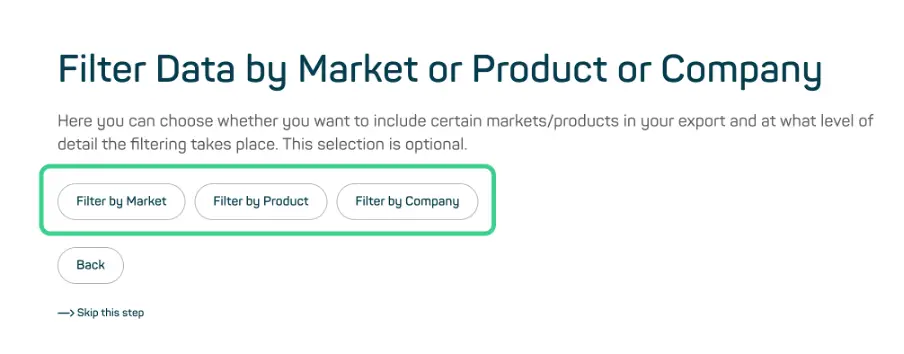
Image 1
When you select “Filter by Company,” you will be taken to the next page, where you can search for companies in the upper window. You can select multiple companies simultaneously while keeping the window open. Selected companies will be highlighted and automatically added to the lower window, “Your List” (see Image 2).
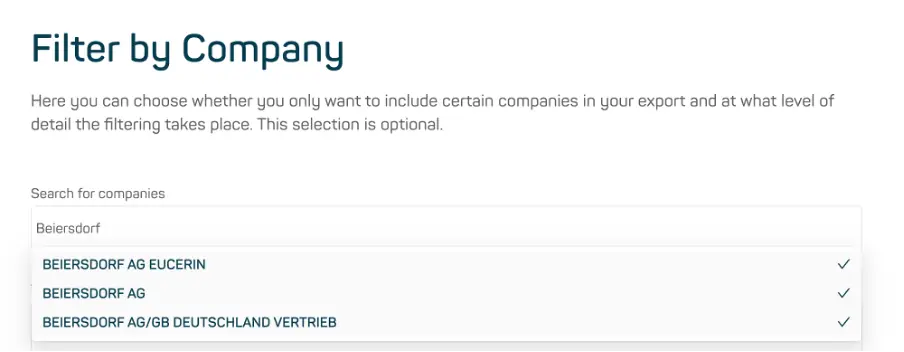
Image 2
Once you have completed your selection, you can click “Next” and proceed with the following steps in the Custom Download process as usual. At the end, in the Export step, you will receive a summary of the companies you selected (see Image 3).
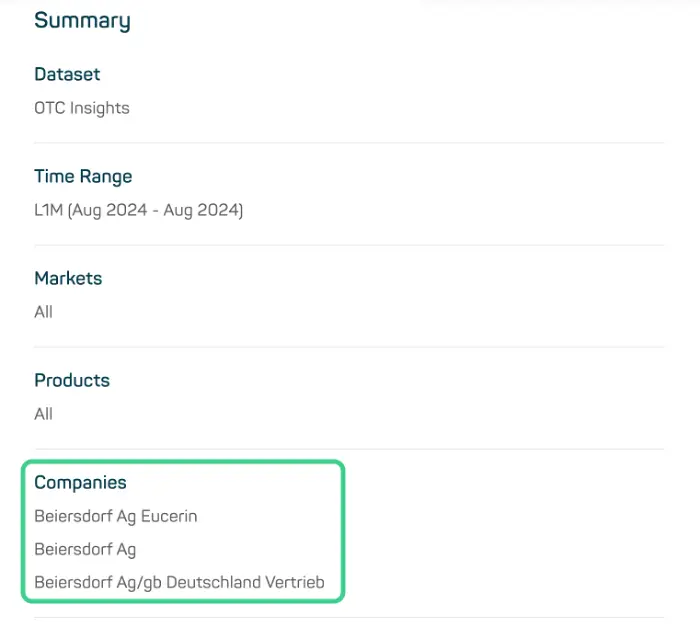
Image 3