Newsroom section and improved UX of the Insights Hub
11.06.2024
The latest update of the Insights Hub integrates a collection of links to informative news from the CHC industry as well as our newsletter. Additionally, several UX improvements have been made to increase the usability and overview of the Insights Hub.
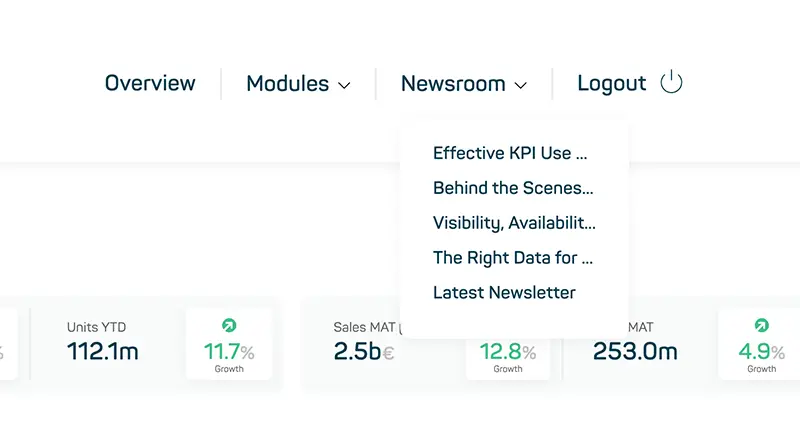
The Newsroom
The Newsroom section is now available in the top navigation bar of the Insights Hub. This link collection allows you to access exciting news on our website with just one click. At the same time, you can access our monthly updated newsletter to keep up to date with the latest industry developments.
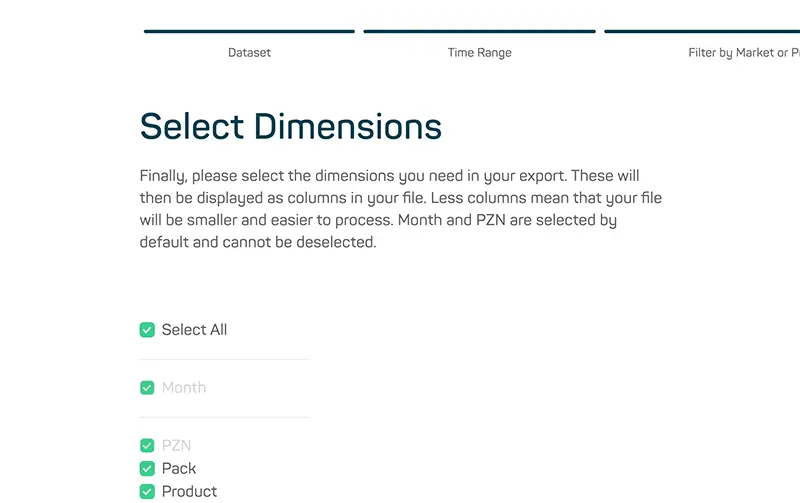
UX Improvement #1 – Preselect all Dimension in Custom Download
In the Custom Download section, the dimensions of interest for every dataset previously had to be selected manually. To make the export process easy and fast, a „Select All“ button has been added, allowing all dimensions to be selected at once. Unwanted dimensions can then be deselected individually.
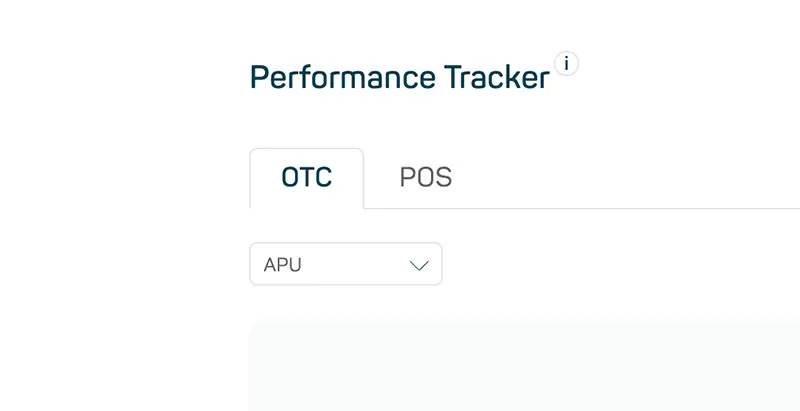
UX Improvement #2 – Standardized Periods in Performance Tracker
In the Performance Tracker, the date picker as well as the relative period selection (e.g. L6M, Last 6 Months) have been removed due to simplify and enhance the user experience. Now you just always have the standardized 12-month view for the last three years. This viewing mode is particularly beneficial for identifying trends and long-term growth, as it remains unaffected by seasonal fluctuations.
UX Improvement #3 – POS Tab in Performance Tracker
In POS Insights, after selecting brands, product groups or individual products, the POS (shown in the Performance Tracker) now defaults to L6M (Last 6 Months) instead of Last Month to provide a better overview. To simplify and enhance the user experience, the date picker as well has been removed.
UX Improvement #4 – Switch to APU/rAVP Toggle Button
The Switch to rAVP toggle button, located in the top right corner of both the Market Overview, Company Overview and subsequent pages, now works consistently across all widgets (e.g. on Market Overview – Executive Summary, Performance Tracker, Market Ranking) on every page. So, whenever you toggle the switch to one of two options it propagates the change to every widget within the page.
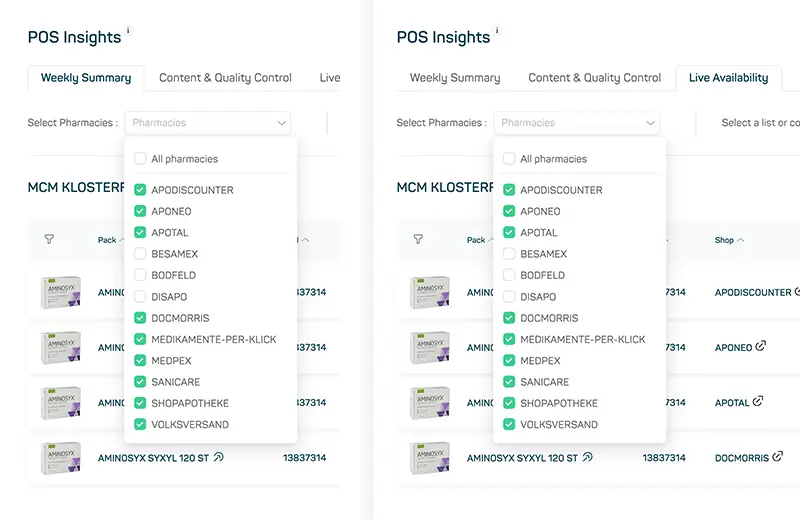
UX Improvement #5 – Persistent Selection in Submodules of POS Insights
In POS Insights, selectable pharmacies and a custom list can now be selected in the individual sub-modules (like Weekly Summary, Content & Quality Control and Live Availability), whereby this selection is remembered even if you switch between those sub-modules (e.g. from Weekly Summary to Live Availability). In addition, the filter criteria selected remains during the whole session, which means whenever you leave the POS page and come back again the previous selections will be reconstructed.
UX Improvement #6 – Hiding the Navigation in the Market or Company Overview
The navigation in the Market Overview (e.g. the ATC-1 markets) and in the Company Overview (e.g. the largest companies that are displayed) can now be hidden or shown. This setting is also remembered during the whole session.